Custom CRM development: when spreadsheets stop serving your sales process
A custom CRM becomes worth considering when your sales workflow repeatedly exceeds what a spreadsheet or an existing tool can handle sensibly. First define the lost follow-ups, duplicated records and ownership gaps you need to solve. Custom software should improve the operating process, not just reproduce the spreadsheet in a browser.
Key takeaways
- Define records and ownership before designing dashboards.
- A migration needs duplicate rules, reconciliation and a rollback plan.
- Use custom software only when its ongoing support burden is justified.
Name the operational problem an existing tool cannot solve
List concrete failures: a lead has no owner, a follow-up depends on someone remembering a date or a customer exists in several disconnected files. Then identify the frequency and consequence of each failure. A wish for more attractive charts is a weaker reason to build custom software than a workflow that staff cannot complete reliably.
Review configuration options in an existing CRM before commissioning a replacement. A suitable standard product can be easier to maintain. Custom development deserves consideration when essential rules, account relationships or integrations do not fit without fragile workarounds. Write down the exact gap so the proposed software has a clear reason to exist.
- Document observable workflow failures
- Evaluate existing configuration first
- Define the custom requirement precisely
Separate organizations, contacts and opportunities
A company, a person and a sales opportunity are related but not identical records. One company can have several contacts; one contact can be involved in more than one opportunity. Decide the relationships your business needs before importing data or designing a pipeline board. Otherwise, every later report inherits ambiguous assumptions.
Define a stable identifier and the required fields for each record. Decide how ownership, notes, activities and attachments relate to those records. Include what happens when an employee leaves or an account is reassigned. These are operating decisions that determine whether the CRM remains useful after the first enthusiastic data entry.
| Record | Question to answer |
|---|---|
| Organization | How are subsidiaries or multiple locations represented? |
| Contact | Can one person relate to more than one organization? |
| Opportunity | Which stage changes require an action or approval? |
| Activity | Who owns the next action and its due date? |
| Attachment | Who can access it and when should access end? |
- Define record relationships
- Choose stable identifiers
- Handle ownership changes
Define sales stages as states with rules
A column labeled won or qualified is useful only if the team agrees what it means. Write the entry and exit criteria for each stage. Decide which transitions can happen freely and which require an explicit action, such as preparing an accepted quote. Avoid turning every variation of a salesperson’s preference into a new stage.
Connect the next action to an owner and a date instead of assuming the board itself prevents missed follow-ups. Keep the status history needed to explain important changes. Reporting should follow the agreed process, and staff should understand why a record is in a particular state. A smaller consistent pipeline is often easier to operate than a highly customized but ambiguous one.
- Agree stage definitions
- Assign next-action ownership
- Keep meaningful change history
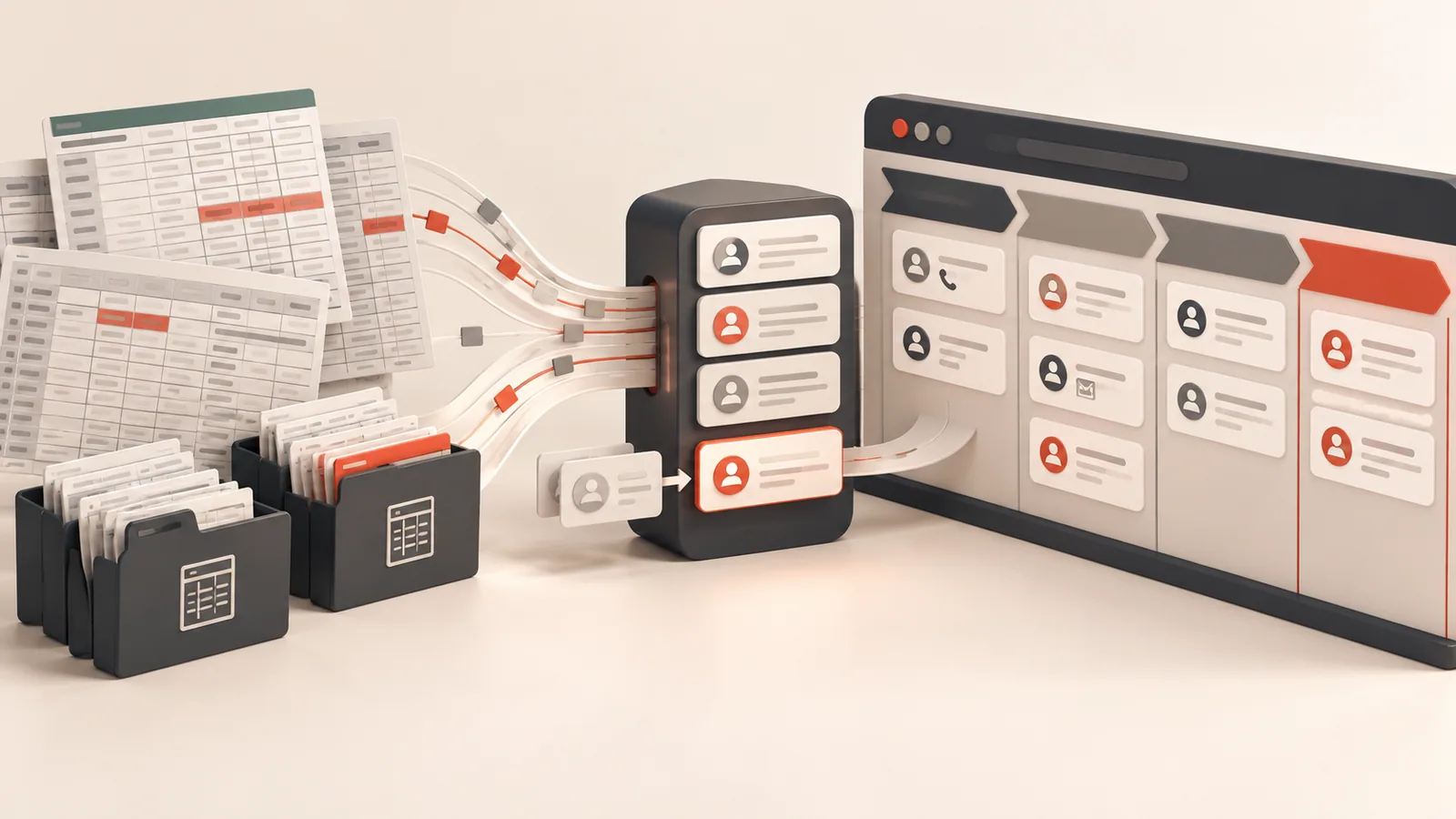
Treat spreadsheet migration as a reconciliation project
Inventory the existing files, field meanings and duplicate patterns. Decide which system is authoritative when names, addresses or statuses conflict. Validate a sample before writing the full importer. Keep original files securely available for the agreed retention period rather than silently discarding records that do not fit the new schema.
Prepare counts and checks that prove what moved. For example, compare imported organizations, linked contacts, opportunities by state and rejected rows requiring review. The business should approve the duplicate resolution rules and exceptions. A migration is not complete merely because the importer finished without a technical error; staff must recognize the resulting records and relationships.
- Inventory field meanings and duplicates
- Approve conflict resolution
- Reconcile imported and rejected records
Scope permissions and integrations before automation
Not every employee should be able to export every contact or view every customer file. Define which data a role can read, change and export. Apply those rules on the server and test access to individual records. A filtered dashboard does not protect information if the underlying endpoint ignores the user’s scope.
For website forms, email or accounting integrations, choose the source of truth and a duplicate-prevention rule. Store integration errors where the team can resolve them. Begin with useful, understandable automations such as assigning a new inquiry or reminding an owner of a due activity. A large automation tree can multiply confusion when the underlying workflow is still unsettled.
- Define read, change and export access
- Assign integration record ownership
- Start with explainable automation
Make adoption and support part of the delivery plan
Give staff a small set of real tasks to complete during the pilot: enter a lead, schedule a follow-up, reassign an opportunity and prepare a weekly view. Observe how the system fits their work and where manual notes continue outside it. A CRM that nobody updates produces unreliable reports regardless of how polished the dashboard looks.
Require backups, documentation, operating access and a maintenance plan. Decide who reviews improvements and how changes to fields or sales stages are approved. Choose custom CRM development when the business can own that ongoing process, and keep a standard tool when it solves the need with less operational burden. Both are legitimate outcomes of a careful evaluation.
- Pilot real staff tasks
- Observe adoption and data quality
- Budget for support and controlled change
Sources and further reading
Primary documentation for the platform-specific details discussed in this article. The planning examples above are illustrative requirements, rather than client case studies.
Turn the sales process into clear software requirements
Share where your current spreadsheets or CRM fall short. I can help scope a custom workflow, migration and integrations before development starts.
Discuss a projectFrequently asked questions
Practical answers to help you plan the next step.
Only when an important workflow cannot be handled sensibly by an existing tool and the business can maintain a custom system. Start by evaluating the actual operating gap rather than company size.
Yes, after field mapping, duplicate rules and reconciliation are defined. Test a sample and have the business review exceptions before the full migration.
Record relationships, workflows, permissions, migration, integrations, acceptance testing, deployment, staff handover and post-launch support.