Website maintenance checklist for stable growth
Website maintenance protects the work a site does after launch: receiving enquiries, completing orders, serving content and keeping business information available. Updates are only one part of that responsibility. A useful maintenance plan also covers recovery, monitoring, access, integrations and release checks. Use this guide to define what is checked, who owns the response and how you know the site still works for visitors.
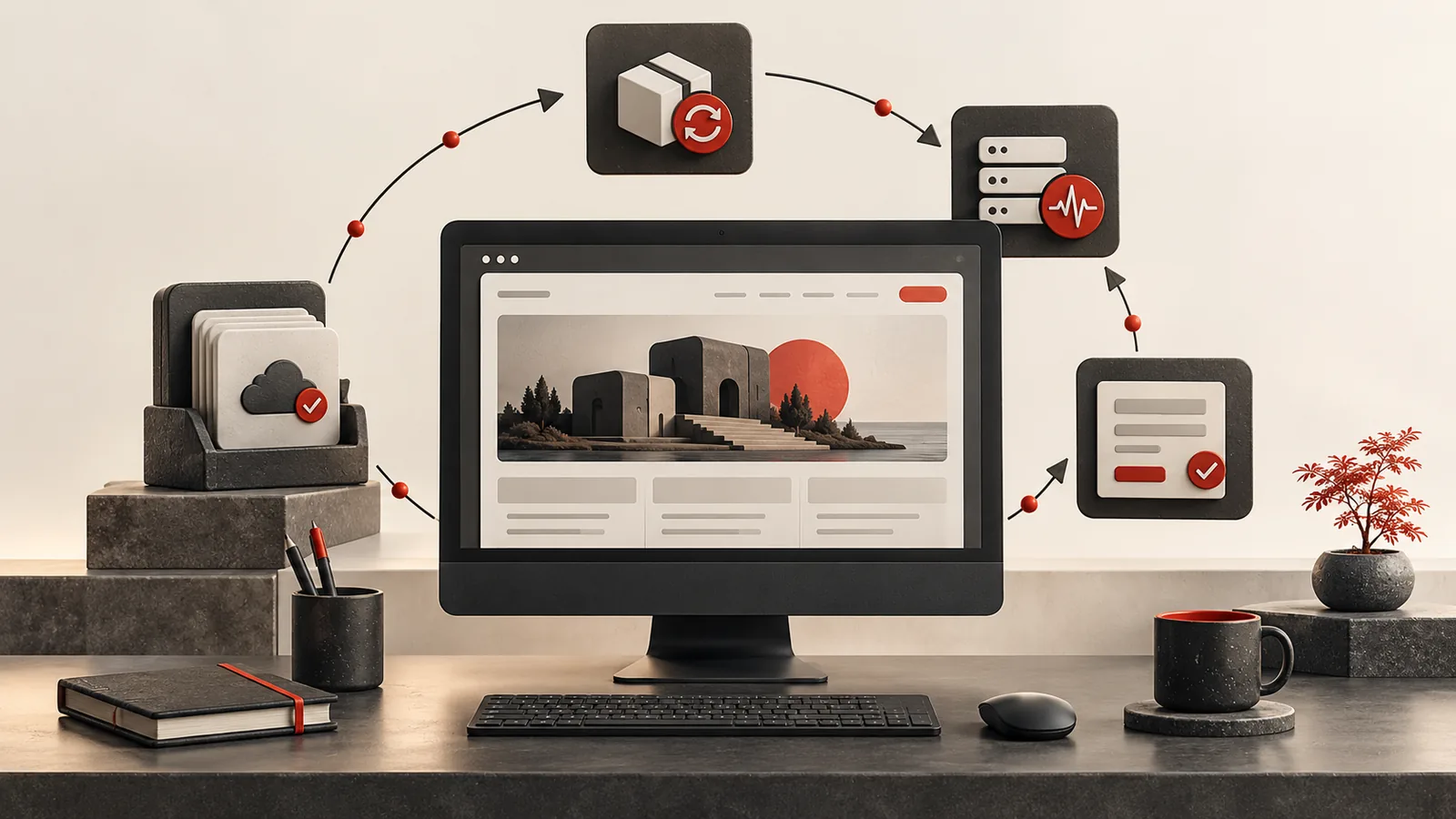
Key takeaways
- Maintain the commercial journeys as well as the software and hosting.
- A backup needs a known restoration process and evidence that it can be used.
- Separate routine care, urgent incident response and new feature requests.
Create an inventory before promising a care plan
Record the domain, hosting, CMS or framework, databases, installed extensions and the external services the site depends on. Include email delivery, payment providers, scheduled jobs, analytics and storage. Identify the account owner and renewal responsibility for each service. This makes it easier to investigate a failure than starting with an unfamiliar login when something is already broken.
Rank the business journeys by the consequence of failure. A brochure site may depend mainly on accurate information and enquiries; a store also needs stock, payment and order handling. An internal application may need daily operational records. Agree maintenance responsibilities around those actual needs. The same calendar of plugin updates is not a complete care plan for every type of website.
- Keep a service and account inventory with clear owners.
- Identify the enquiries, transactions or records the business relies on.
Update with a restoration path and a meaningful check
Before a change, know what will be updated and how the previous state can be restored. Use staging when a release could affect custom functionality or commerce. Read relevant release information and pay particular attention to dependencies that interact with each other. Applying several unrelated changes at once can make an unexpected problem harder to diagnose.
Afterward, verify representative pages and the important workflows. Check that an editor can still publish, an enquiry reaches the correct destination and a supported purchase can complete in the appropriate test setup. Record what changed and what was checked. An update marked successful by the installer proves that files were replaced; it does not by itself prove that the site's business behaviour remained correct.
| Maintenance area | Check | Useful evidence |
|---|---|---|
| Updates | Compatibility and the core user journey | Version/change record and completed checks |
| Backups | Files, data and restoration access | A successful controlled restore |
| Availability | Public pages and required endpoints | Alert ownership and incident record |
| Enquiries | Submission, receipt and failure behaviour | An isolated or approved delivery test |
| Integrations | Queues, errors and credentials | A visible status and recovery procedure |
- Take a restorable copy before significant software or configuration changes.
- Keep a short release record linking changes to the checks performed.
Treat backups as a recovery capability
Decide what must be backed up and where the copy is stored. Files without the relevant database may not restore a dynamic website; a database without uploaded media may also be incomplete. Protect access to backups and clarify how long copies are retained. The business should understand who can restore the system if the usual developer or hosting contact is unavailable.
Perform a controlled restoration in a separate environment where practical. Verify that the restored application can access the required data and start correctly without affecting production. Note any external configuration, secrets or services needed during recovery. Choose backup frequency and acceptable recovery time according to the business impact of lost data and downtime, rather than relying on an impressive-sounding label without a tested procedure.
- Include the files, database and configuration needed for recovery.
- Test restoration without overwriting the live site's current information.
Monitor useful behaviour and assign the response
Availability checks can tell you that a page responds, but they may not catch a form that displays success without saving an enquiry. Review the outcomes that matter: accepted submissions, integration failures, scheduled tasks and renewal notices. Keep monitoring appropriate to the site's complexity and avoid collecting sensitive information merely because a logging tool makes it easy.
Define where an alert goes and who can act on it. An email notification has little value if nobody owns it or it arrives in an abandoned account. Separate a critical interruption from a routine content request so both can be handled sensibly. WordPress's monitoring handbook is a useful reference for that platform, but the operational question applies to any stack: how will a failure become visible before several customers report it?
- Monitor key outcomes alongside basic uptime.
- Assign alert ownership and an escalation path for genuine interruptions.
Review access, performance and the change backlog
Remove access that is no longer needed and review privileged accounts when staff or suppliers change. Check that the business still controls its domain, hosting and recovery options. Review page weight, mobile usability and third-party scripts after significant content or functionality changes. Routine care should notice gradual deterioration as well as sudden outages.
Keep new feature work distinct from maintenance. A useful backlog explains the problem, impact and priority of each improvement so the business can choose what to fund next. Agree how routine work is reported and what is outside the arrangement. This keeps expectations clear for a small site as well as a growing application and makes ongoing support a practical service rather than an unclear promise to handle everything.
- Review privileged access and service renewals regularly.
- Separate corrective care from optional enhancements and new scope.
Sources and further reading
Primary documentation for the platform-specific details discussed in this article. The planning examples above are illustrative requirements, rather than client case studies.
Need a practical maintenance plan?
Share your website, its main enquiry or transaction flow and the support you currently have. I can help define the checks, recovery responsibilities and improvements that matter most.
Discuss a projectFrequently asked questions
Practical answers to help you plan the next step.
Most business sites should be checked monthly, with urgent updates handled sooner when security or uptime is involved.
It can become slower, less secure, harder to edit, more likely to break and less effective for leads or sales.
No. Every serious site or app needs backups, monitoring, updates, analytics review and performance care.